
Is small text on your phone making it hard to call people?
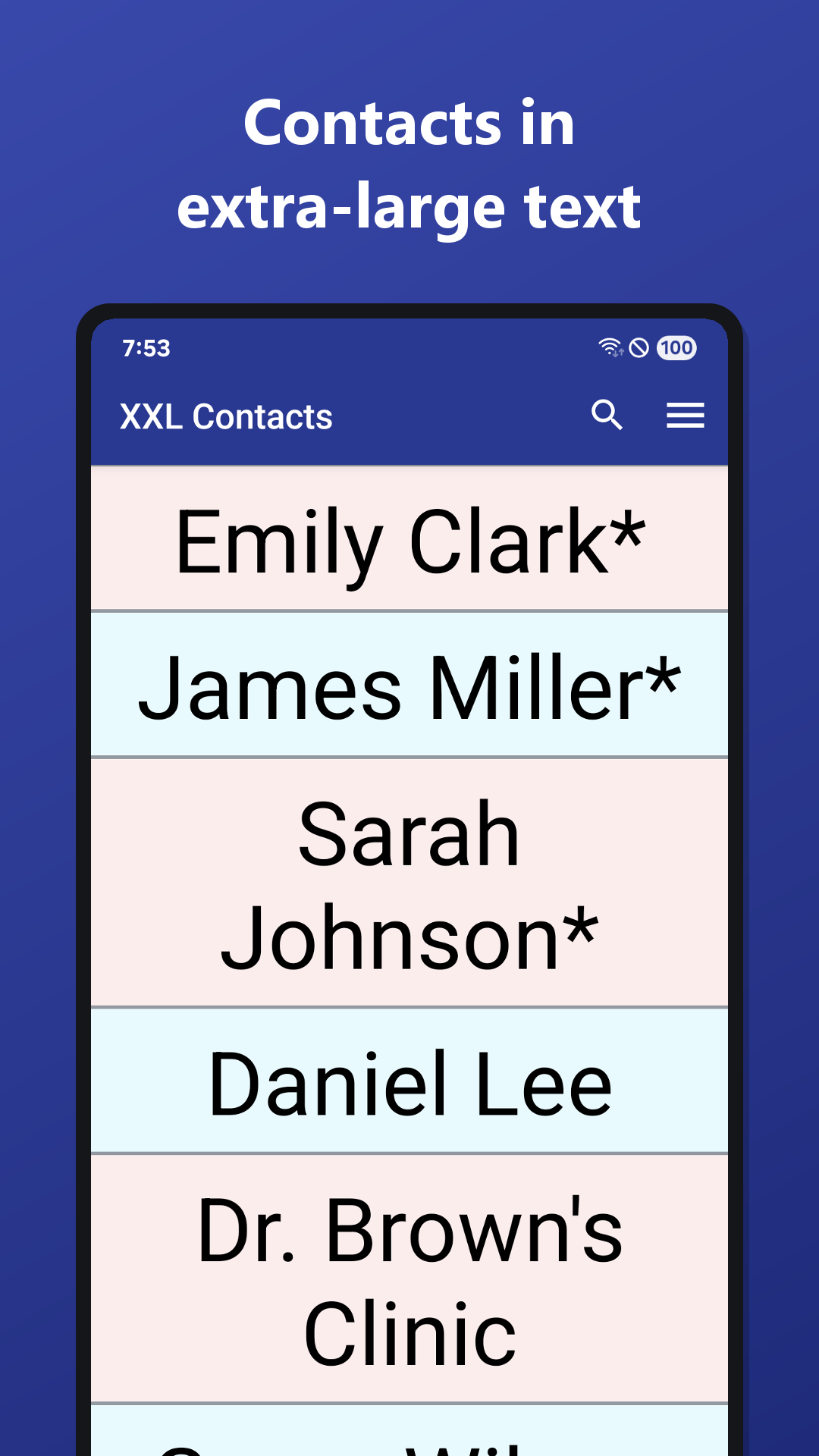
XXL Contacts is a contacts app for people with low vision or farsightedness and for older adults. It shows your phone contacts in extra-large text, and you can call or send a message with a tap.
Extra-large text
- Contact names fill the screen in large, easy-to-read text.
- 8 text sizes. Change one step at a time with "Larger Text" and "Smaller Text" in the menu (☰).
- Uses the size you choose in this app, regardless of your phone's font size setting.
- Your text size and view are kept the next time you open the app.
Tap to call or text
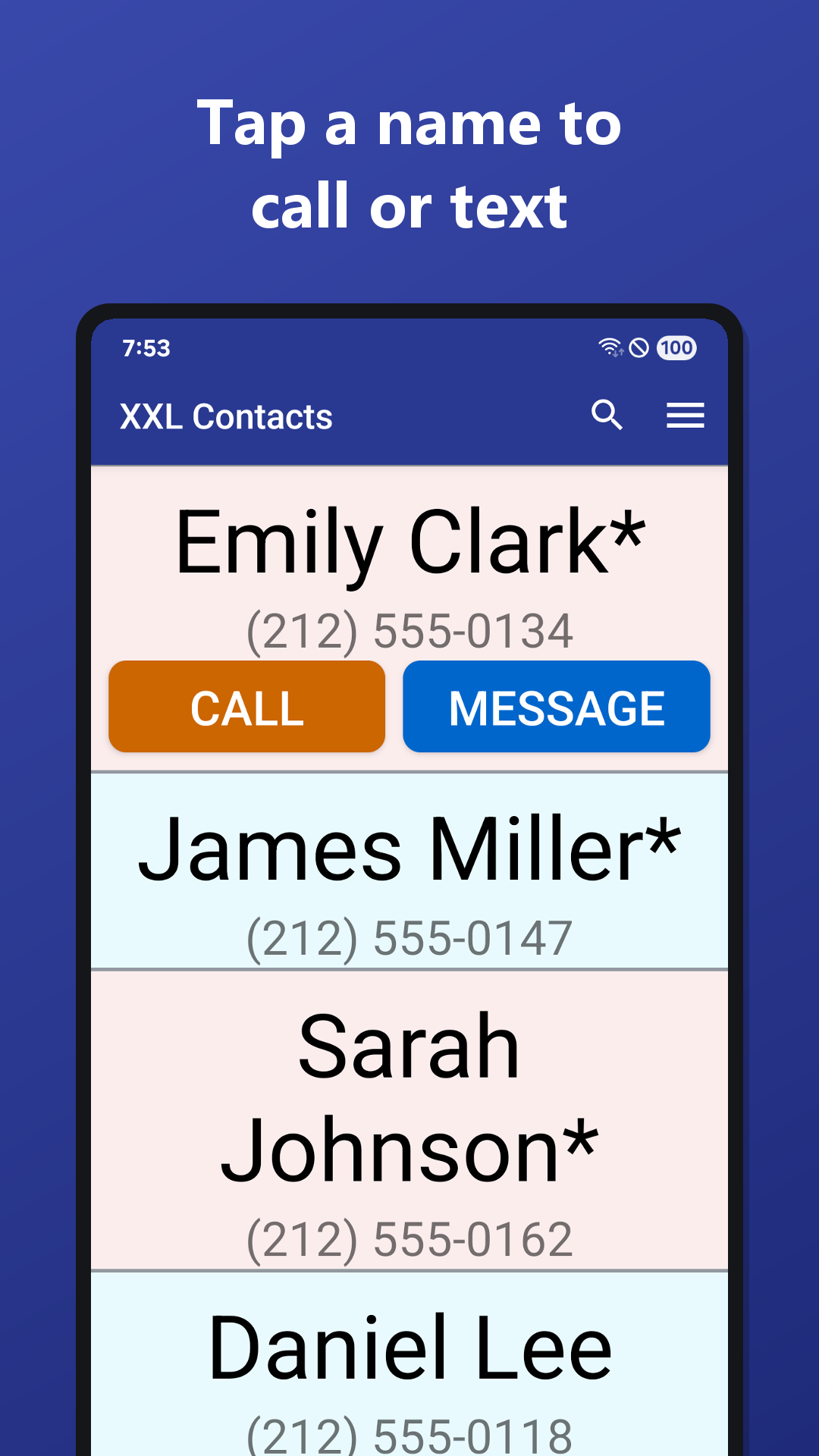
- Tap a name to show large CALL and MESSAGE buttons.
- CALL opens your phone app with the number already entered. You tap the call button once more to place the call, which helps prevent calls by accident.
4 views
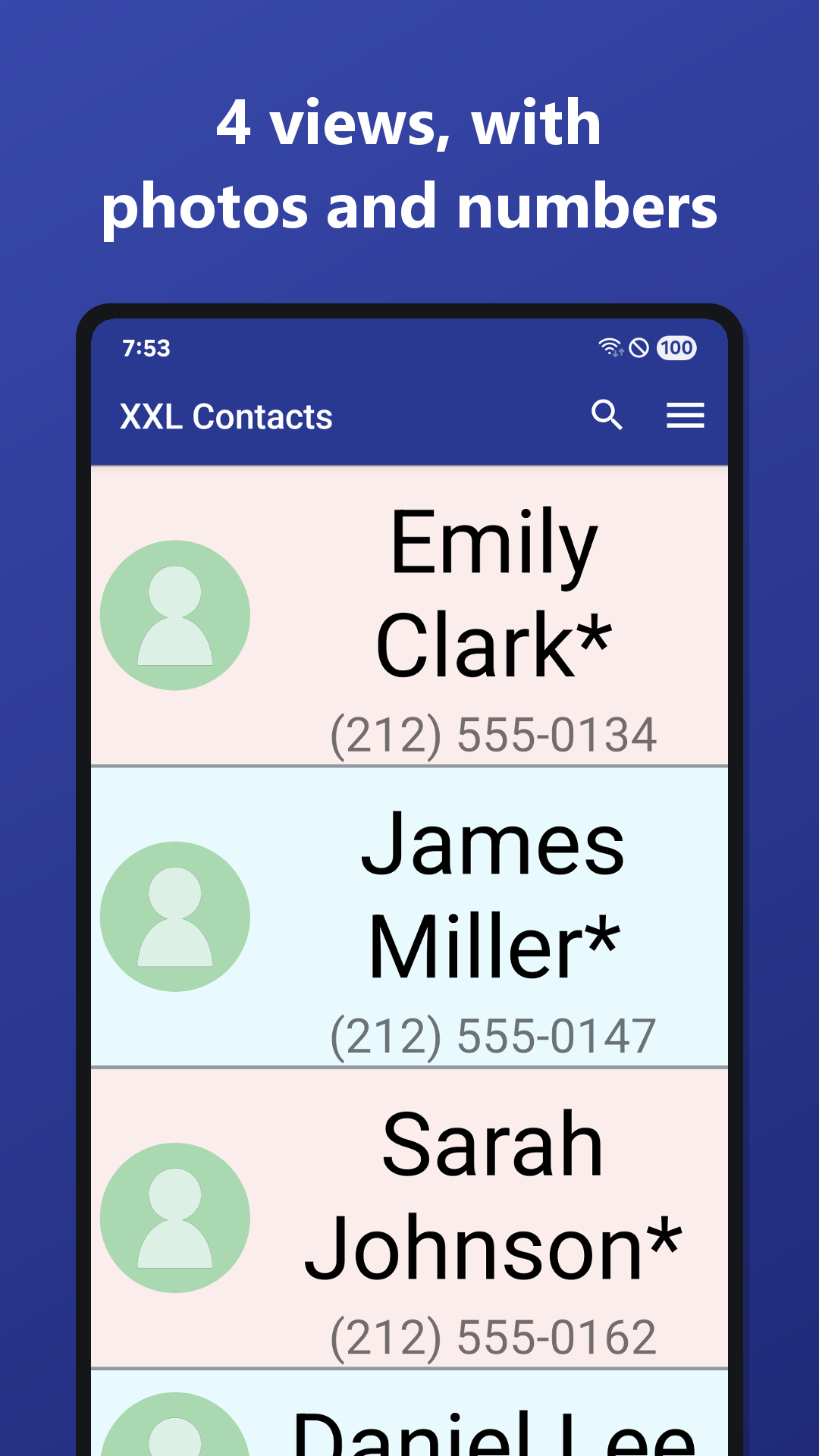
- Name only / Name + number / Photo + name / Photo + name + number
- Contact photos are shown in circles.
Easy to find
- Starred family and friends come first, then everyone else by name.
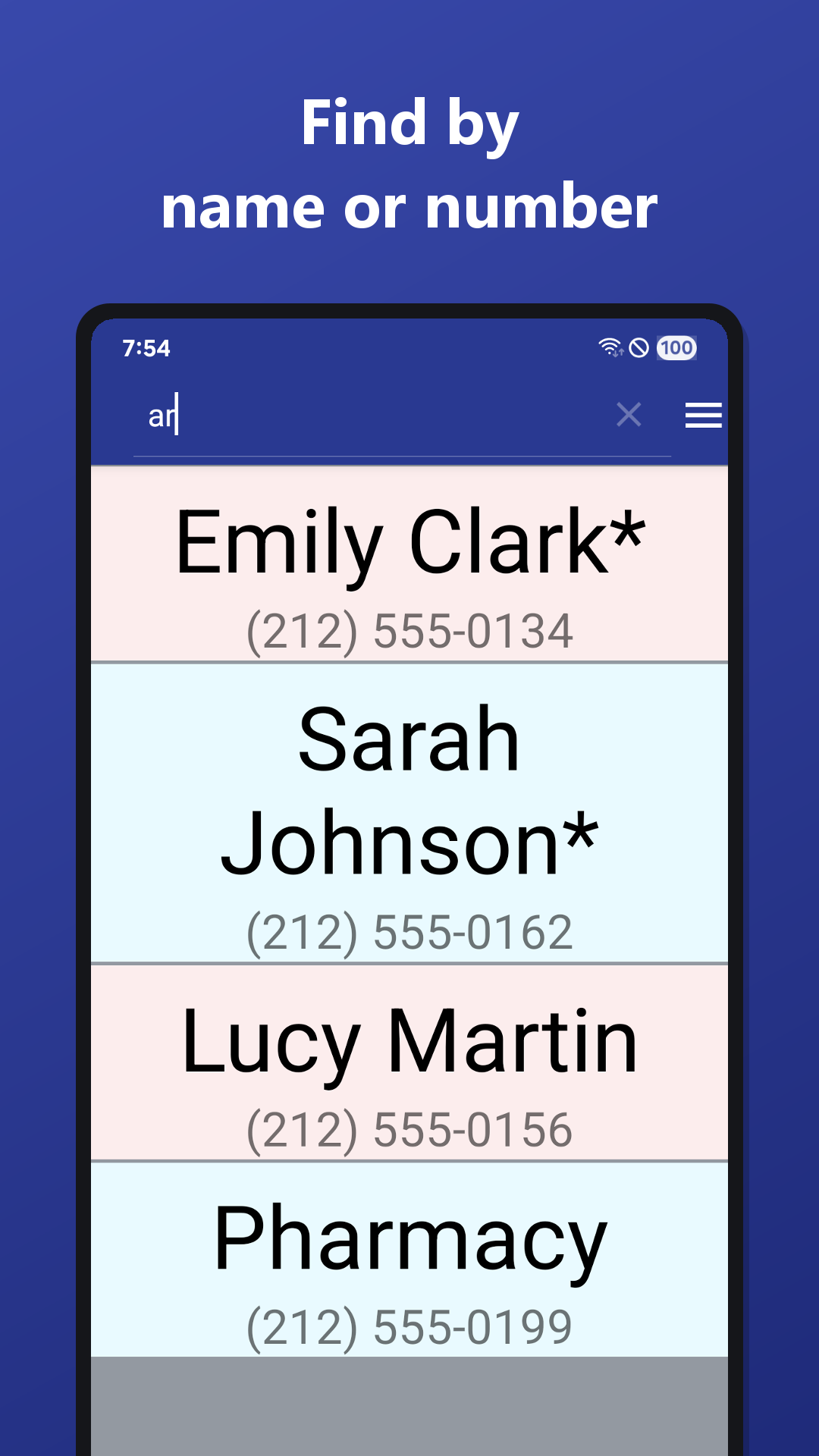
- Tap the magnifier to search by part of a name or number.
Easy from the start
- Contacts are imported right away when you allow access on first launch.
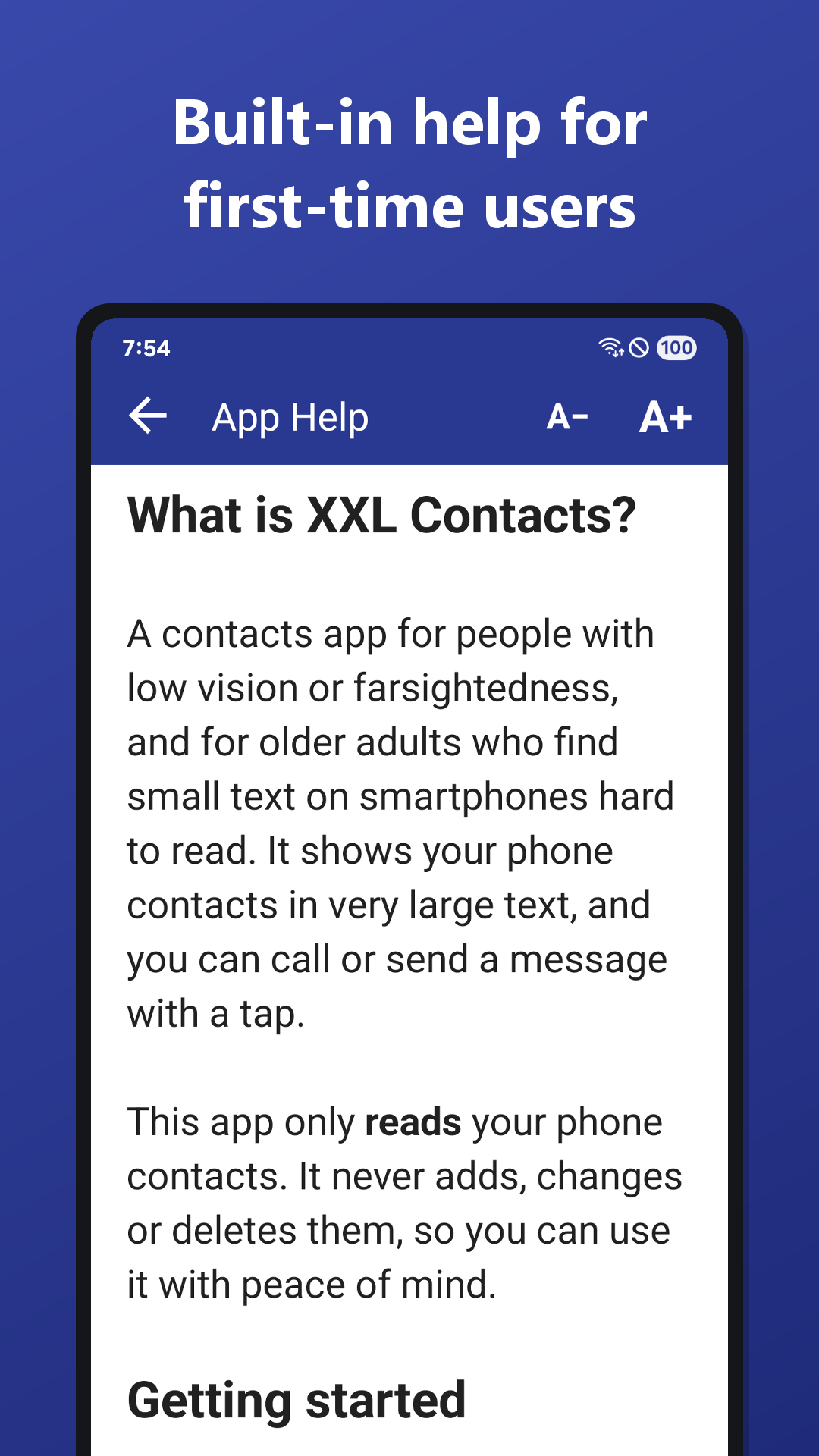
- "App Help" in the menu explains everything in large text. You can make the help text even larger with A− / A+.
10 languages
- English, Korean, Chinese (Simplified), Japanese, Spanish, German, French, Russian, Hindi and Arabic.
- The app follows your phone's language, and you can choose another language for this app only in the menu: "Language".
Safe to use
- Only reads your phone contacts. Never adds, changes or deletes them.
- No internet permission, so your contacts are never sent anywhere.
- No ads.
- Only one permission: Contacts.
Good to know
- After adding or changing contacts on your phone, tap "Import Phone Contacts" in the menu.
Install it on your parents' phone so they can call family easily in large text.
Get it on Google Play (free)